How to Start Sim Racing in 2026: The Complete Beginner Setup Guide (Wheels, Pedals, Rigs, PC, and Games)
OC Racing
March 2nd, 2026
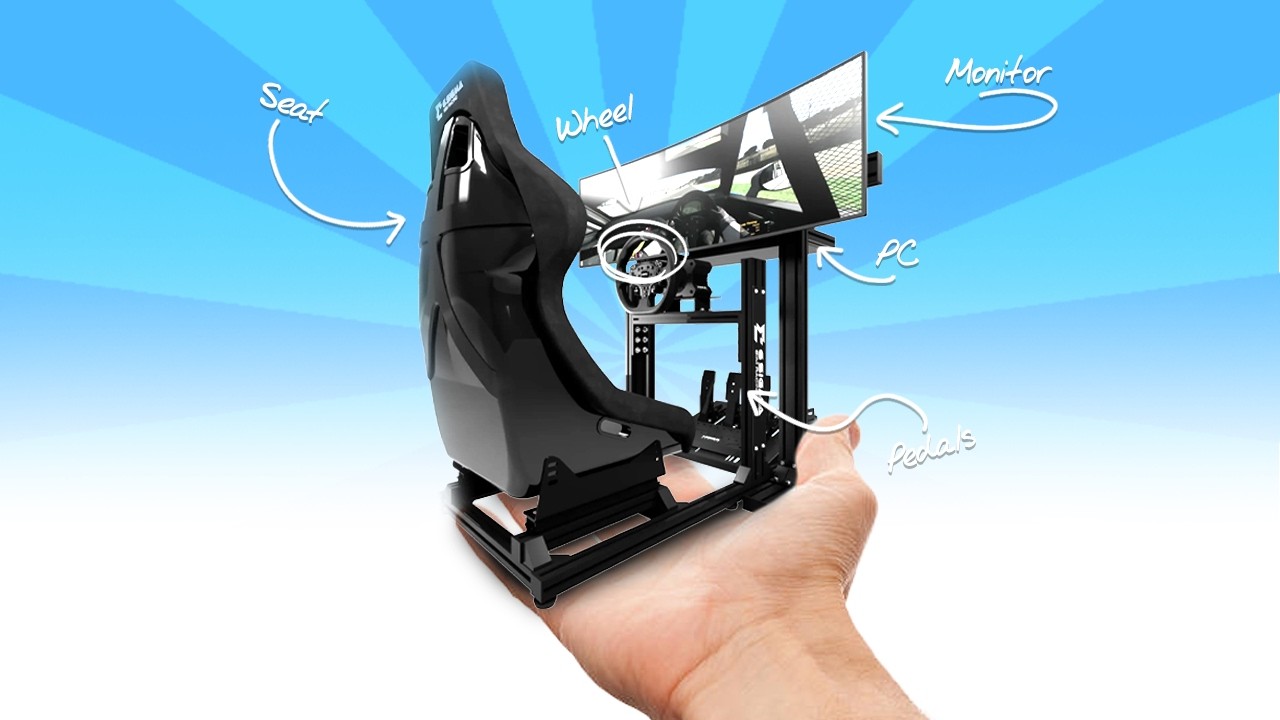
So, it’s 2026 and you want to start sim racing. But between wheelbases, pedals, rigs, monitors, PCs, and everything in between, it gets confusing fast. The good news is that building a solid setup is way more straightforward once you know what actually matters and what is just noise.
This guide walks you through the full setup from start to finish: what you need, what to prioritize, what to avoid, and where upgrades make the biggest difference. If you want an even easier way to plan your build, I also made a full Sim Racing Setup Builder at this link: Sim Rig Builder – OC Racing or the button below, where you can select components, compare options, estimate total cost, and avoid compatibility headaches.
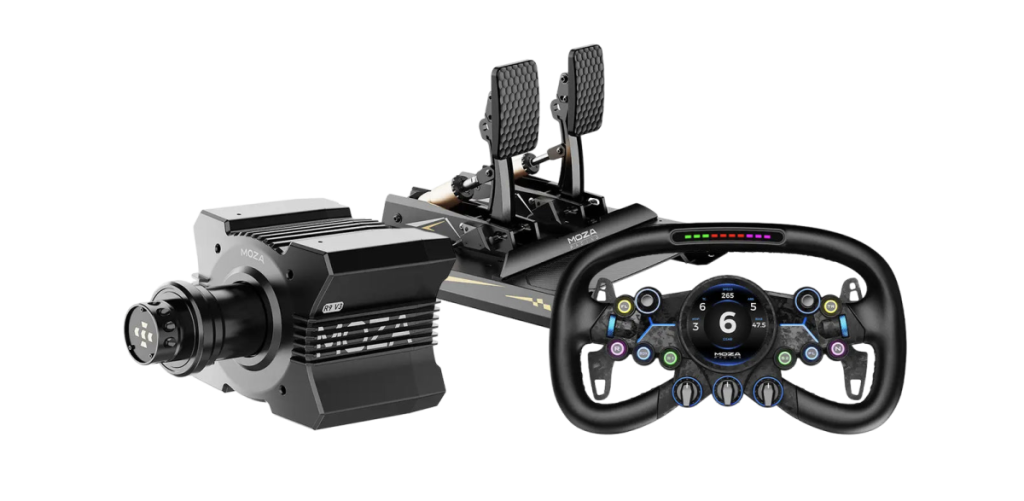
If you want the most plug and play path into sim racing, bundles are the move. At a minimum, you need three things to drive: a wheelbase, a steering wheel, and pedals. Bundles combine all of that into one package, usually at a better price than buying everything separately.
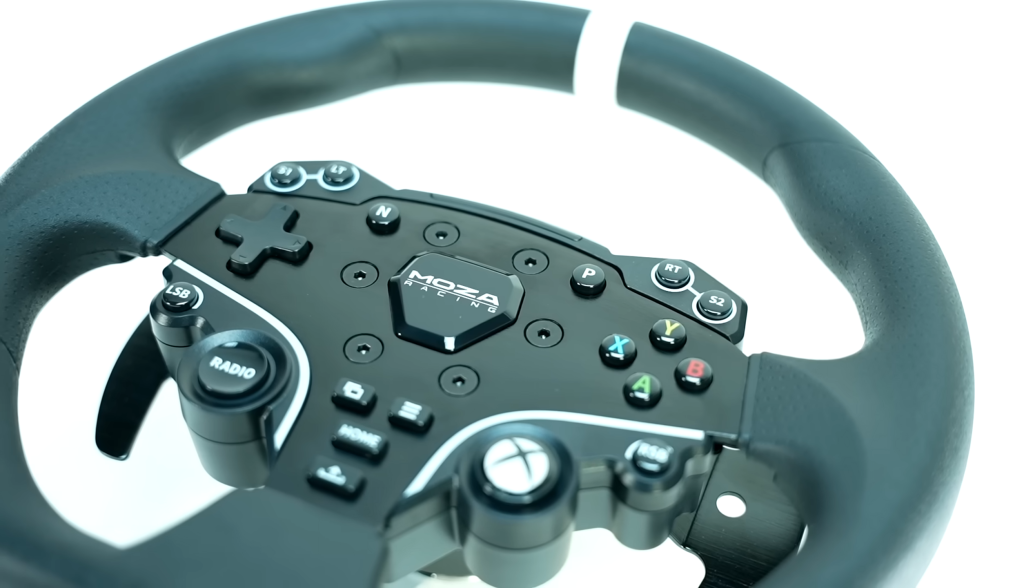
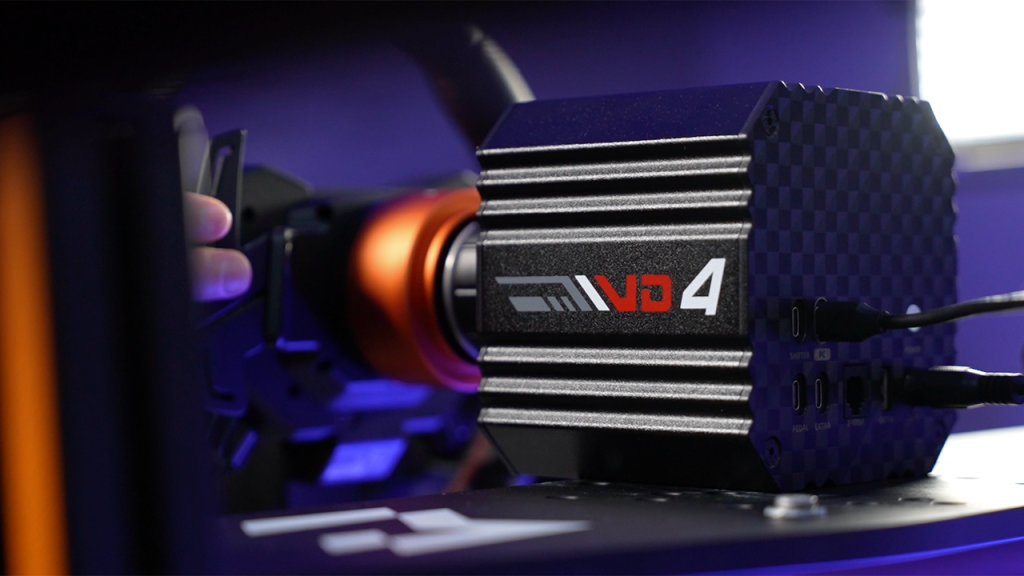
In the entry range, bundles like the Moza R3, PXN VD4, and Fanatec CSL DD are easy to recommend. You get an affordable direct-drive base, a solid steering wheel, and pedals that are usually decent out of the box and often upgradeable later. For a lot of people, this is the best way to get into the hobby without overthinking it.
You’ve probably also heard of mass-market bundles like the Logitech G29/G920/G923 and the Thrustmaster T128/T248. They are popular because they’re everywhere, they’re usually discounted, and they are console-friendly. But in 2026, they’re honestly harder to recommend when similarly priced direct-drive options exist that feel dramatically more refined on track.
If your goal is to race with minimal effort and minimal risk, bundles are still the cleanest starting point. You can always upgrade later once you know what you actually care about.
Wheelbases: Direct Drive Finally Makes Sense for Most People
Your wheelbase is the motor that drives force feedback into your hands. A few years ago, gear-driven and belt-driven wheels dominated because direct drive was too expensive for most people. That’s why the G29 era lasted as long as it did.
Now in 2026, direct drive has become far more affordable, and there are strong options across every price tier from companies like Moza, Fanatec, Simagic, PXN, and more.
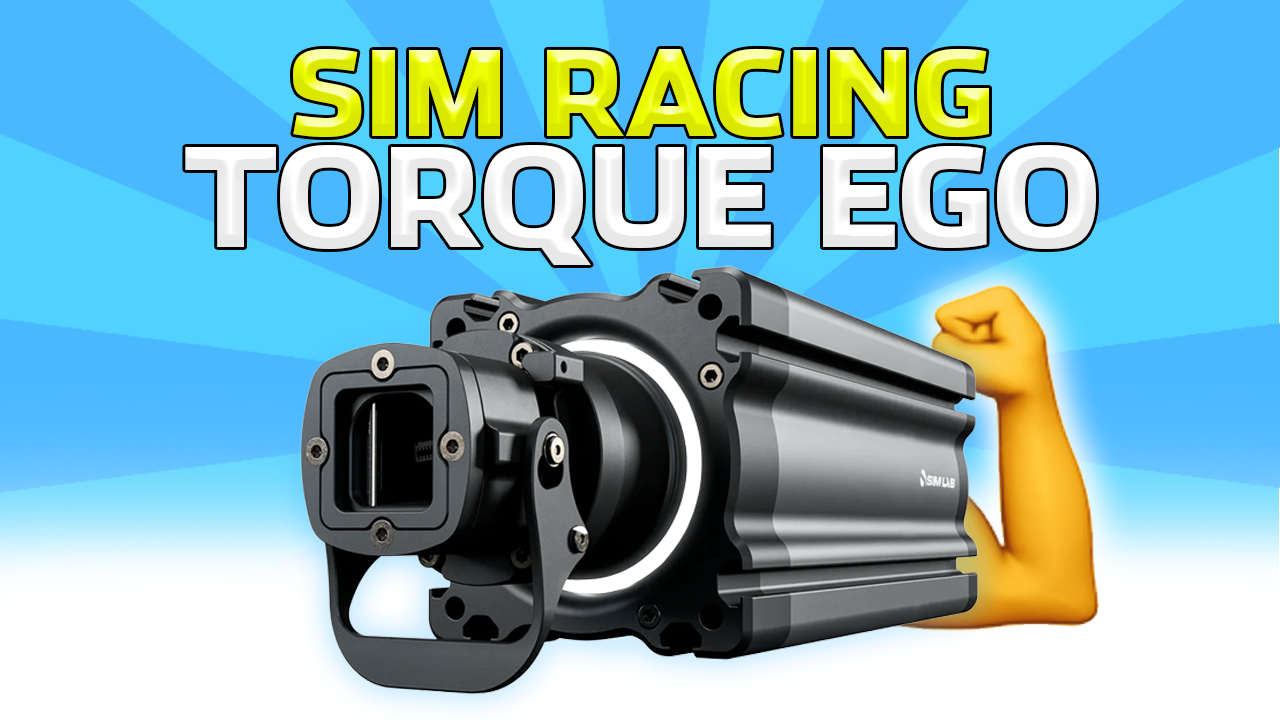
The most important spec to understand is torque, usually measured in Nm (newton-meters). More torque generally means more strength, more headroom, and usually a more convincing driving feel, but only if you set it up properly.
3 to 5 Nm: entry-level direct drive. Still a major upgrade over old gear-driven wheels.
8 to 12 Nm: the sweet spot I recommend for most people. Strong, detailed, immersive, and practical. Real cars don’t tend to exceed this in terms of turning force.
15 Nm and up: enthusiast tier. Not meant to be run maxed out all the time. The benefit is headroom and clean detail, not trying to break your wrists.
As a quick example, a Moza R9 sits in that mid-range zone, while something like a Moza R25 is in the high-end category. With high torque bases, the smartest use case is running reasonable strength with extra headroom so spikes and details come through cleanly without clipping.
You do not need a high-end wheelbase to be fast. For most people, the mid-range zone is where performance, realism, and price make the most sense.
Steering Wheels: Pick the Shape First, Then Stay Simple
Steering wheels are the fun part because they’re the most personal. Start with what you actually want to drive:
Formula style: compact, button-heavy, great for open wheel and GT racing
GT style: often more comfortable for mixed driving
Round wheels: the most versatile for drifting, rally, and street cars
For simplicity, especially if you’re new, it’s easiest to stay within the same ecosystem as your wheelbase. If you buy a Fanatec base, get a Fanatec wheel. If you buy a Moza base, get a Moza wheel. Yes, adapters exist and you can absolutely mix brands, but it adds complexity and it is not where I’d start if you’re building your first setup.
A few practical things to keep in mind:
Size matters: around 300 mm is a safe “fits most people” diameter.
Weight matters: heavier wheels can feel slower and more muted on low torque wheelbases.
Material matters: Alcantara and suede feel great but wear faster and usually require gloves. Leather and rubber(-like) is lower maintenance and more durable.
And yes, cheaper wheels can flex, creak, or feel less premium in the buttons and shifters. That’s not always a dealbreaker, but it’s worth knowing where your money is going.
Pedals: The Upgrade That Actually Makes You Better
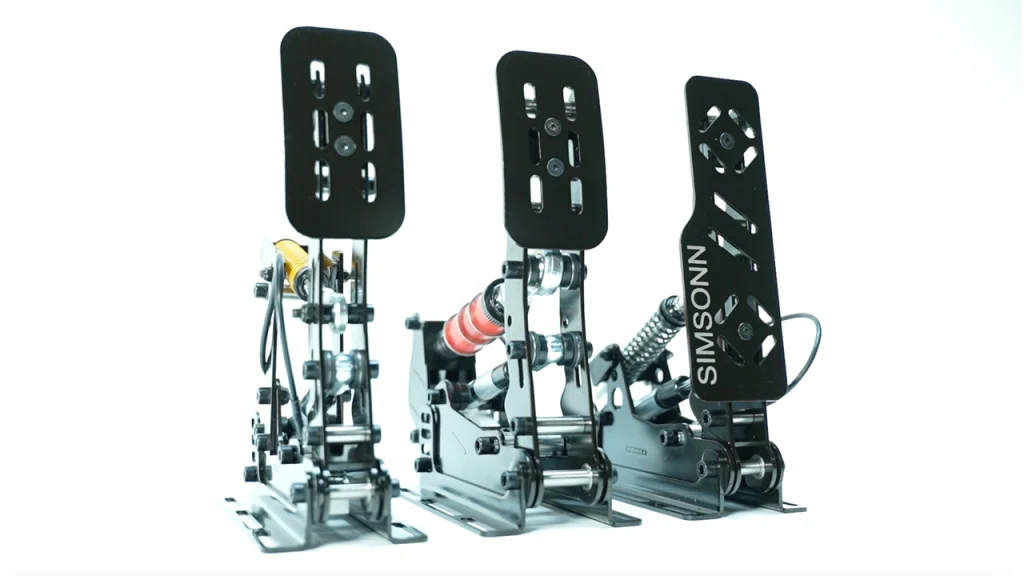
If there’s one area where upgrading can genuinely improve consistency, it’s pedals. A lot of entry-level pedals use basic potentiometers or hall-effect sensors that measure travel. They work, but they’re not always consistent, and they don’t teach braking technique very well.
The big upgrade to look for is a load cell brake.
A load cell measures pressure, not travel. That means your braking becomes based on force, which makes it far easier to build muscle memory and hit the same braking points lap after lap. You do not need a load cell on day one, but if you get serious about improving, this becomes the most important upgrade you can make. Consistency is absolutely key on track, and nothing improves that more than a loadcell upgrade.
Pedals also expose flex in your setup more than almost anything else. Strong brakes demand a stable cockpit, so keep that in mind before you go all-in on a stiff load cell set while still using a desk chair that slides backward every time you touch the brake. You can adjust all of these pedals to have a softer feel, but for real consistency on track, you need your seat and pedals to be sturdily held together.
Cockpits: Where Everything Comes Together
You need somewhere to mount your gear, and your options range from “free” to “buy once, cry once.”
Desk clamp setup: cheapest way to start. Works, but expect flex, sliding pedals, and a chair that moves.
Wheel stands: more stable, takes up less space, good first upgrade.
Foldable cockpits: popular middle ground with a seat, can be stored away, but not as rigid as a full rig.
Tubular cockpits: stronger and more adjustable than foldables, great for mid-range setups. Can be as good as aluminium, but that gets expensive.
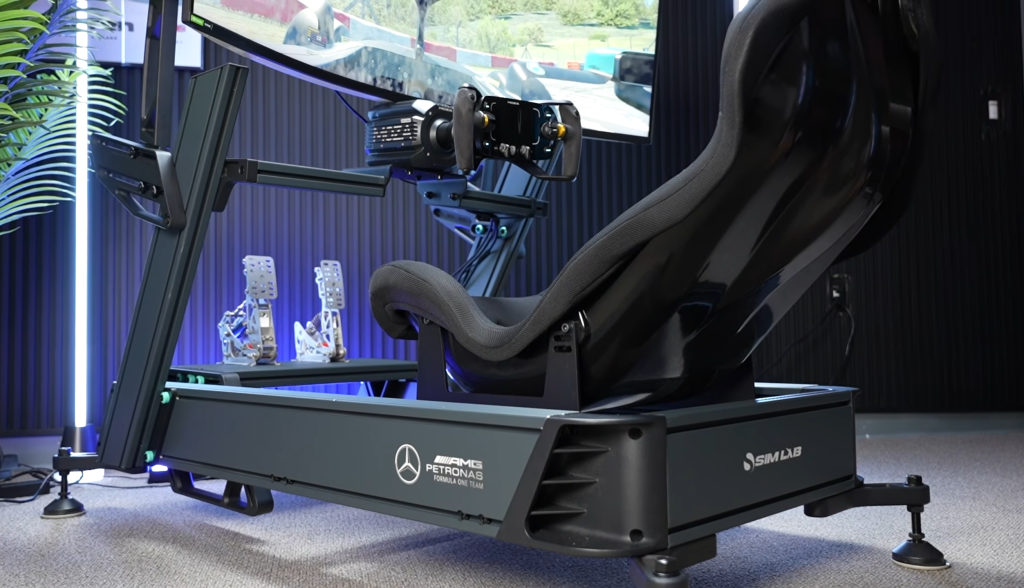
Aluminium profile rigs: the gold standard. The stiffest, most adjustable, and most upgradeable.
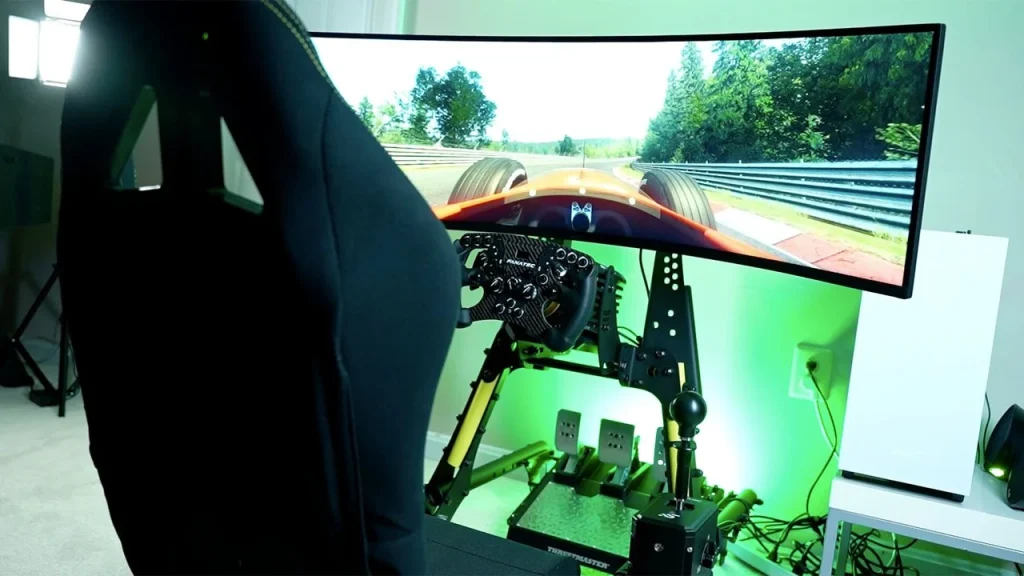
If you plan on staying in sim racing long-term, aluminum profile is the endgame because you can add and change anything over time: monitor mounts, button boxes, shifter arms, motion, haptics, wind sims, and all the random quality-of-life stuff you’ll inevitably want once you get deep into the hobby.
Also worth saying: a DIY rig can absolutely work. If you have time and some basic tools, building something sturdy out of wood can be a great value option. Aluminium profile rigs are also relatively easy to design and build yourself, or even buy a set of drawings online. If you have some design skills, you can make a truly incredible rig yourself and add features not present on commercial rigs like inverted pedal mounts, tailoring the driving and peripheral position to a real car of your choosing, and endless flexibility.
Displays: Single, Ultrawide, Triples, or VR
Your screen setup has a massive impact on immersion and driving confidence, especially once you start pushing close racing.
Single monitor: easiest and cheapest. Works fine, especially if you can mount it close. Lacks in field of view.
49-inch ultrawide: wide field of view without the complexity of triples.
Triple monitors: still the king for competitive visibility and spatial awareness. More field of view than an ultrawide, but bezels can be a dealbreaker.
Quad setups: triples plus a top monitor for telemetry, Discord, maps, or streaming tools. Does require more mounting hassle.
VR: the most immersive, unmatched depth and scale, but comes with comfort, clarity, compatibility, and performance trade-offs. If you want to get into VR, make sure you can handle it.
Do not forget mounting cost. Triple monitor stands can be a serious expense on their own. You’ll also want to decide between an integrated mount (bolts to the rig and saves space) and a freestanding mount (easier to adjust and helps isolate vibrations). Every extra monitor you add adds to the price.
PC vs Console: If You Are Serious, PC Wins
Consoles are fine for starting out, but if you’re serious about sim racing long-term, PC is the move. Hardware compatibility is the biggest issue. Console-supported gear is a smaller pool, and console-compatible versions often cost more while giving you less flexibility.
PC also unlocks the real sim racing advantage: more titles, better online ecosystems in certain sims, stronger support for peripherals, and modding. Mods mean community tracks, custom cars, and basically endless content depending on the sim. Not to mention, stuff like VR and triple or even quadruple monitor setups become near impossible on console, and simply work much better on PC.
I have to mention, Gran Turismo 7 on PS5 is still a great experience with a huge player base. But outside of that, it’s hard to justify investing heavily into a console-only setup when PC gives you so much more freedom.
Games: Pick the Style of Racing You Actually Enjoy
Games matter because different sims excel at different things. The most popular options right now include:
iRacing: structured online racing, ranking, safety systems, and serious competition. Gold standard
Assetto Corsa: massive modding, huge variety, still a staple. Getting old, but still very active
Assetto Corsa Competizione: GT-focused, great force feedback and racing feel, declining in popularity
Assetto Corsa Evo: evolving platform, worth watching closely. Great realism on road- and racecars
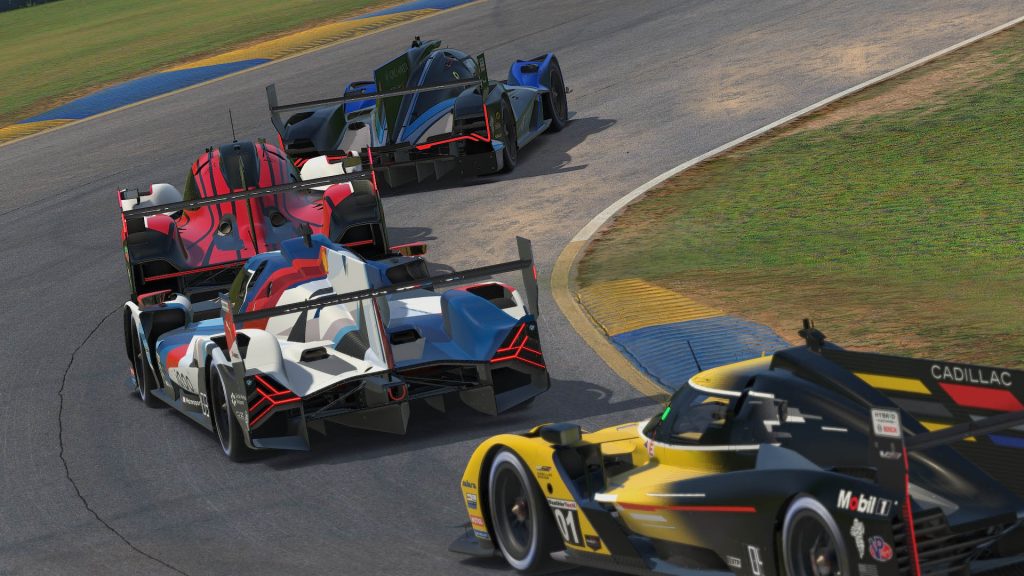
Le Mans Ultimate: endurance focus and modern racing vibe, official World Endurance Championship game
rFactor 2, Automobilista 2, RaceRoom: all solid for different reasons, less popular today
F1 titles, Forza, Gran Turismo 7: more mainstream, still fun. Not as realistic as most others, more fun focused
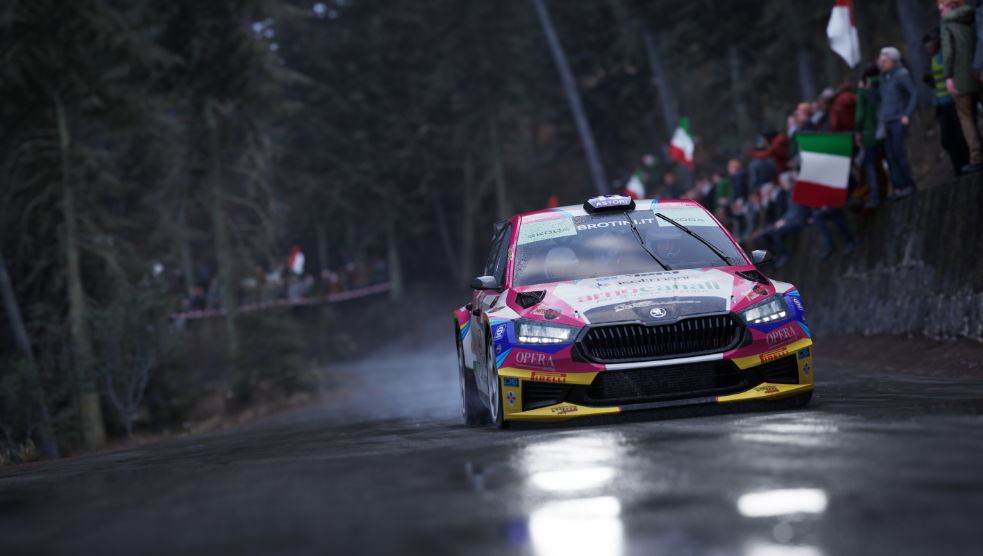
EA WRC, DiRT Rally 2.0: Pure rallying titles, nothing but high-adrenaline stages
BeamNG.drive: pure physics chaos and sandbox driving. Great customization and rally/offroad, but circuit racing is difficult
Euro Truck Simulator 2 and American Truck Simulator: chill, surprisingly addicting trucking games
The biggest advice I can give here is simple: pick the style of racing you actually enjoy. This hobby gets expensive when you chase trends instead of building around what you will consistently play.
Final Advice: Keep It Simple, Then Upgrade With Intention
Sim racing is only as complicated as you make it. You can start with a basic bundle on a desk, have an amazing time, and still learn the fundamentals. Then, once you know you’re hooked, upgrades become a lot more obvious and a lot less wasteful.
If you want the best long-term value, build around a PC and a stable mounting solution, then prioritize pedals. And if you want the easiest way to map it all out, use the Sim Racing Setup Builder to compare builds and avoid compatibility headaches.
Most importantly, enjoy it. This hobby can be insanely fun, surprisingly immersive, and way more hands-on than most people expect.
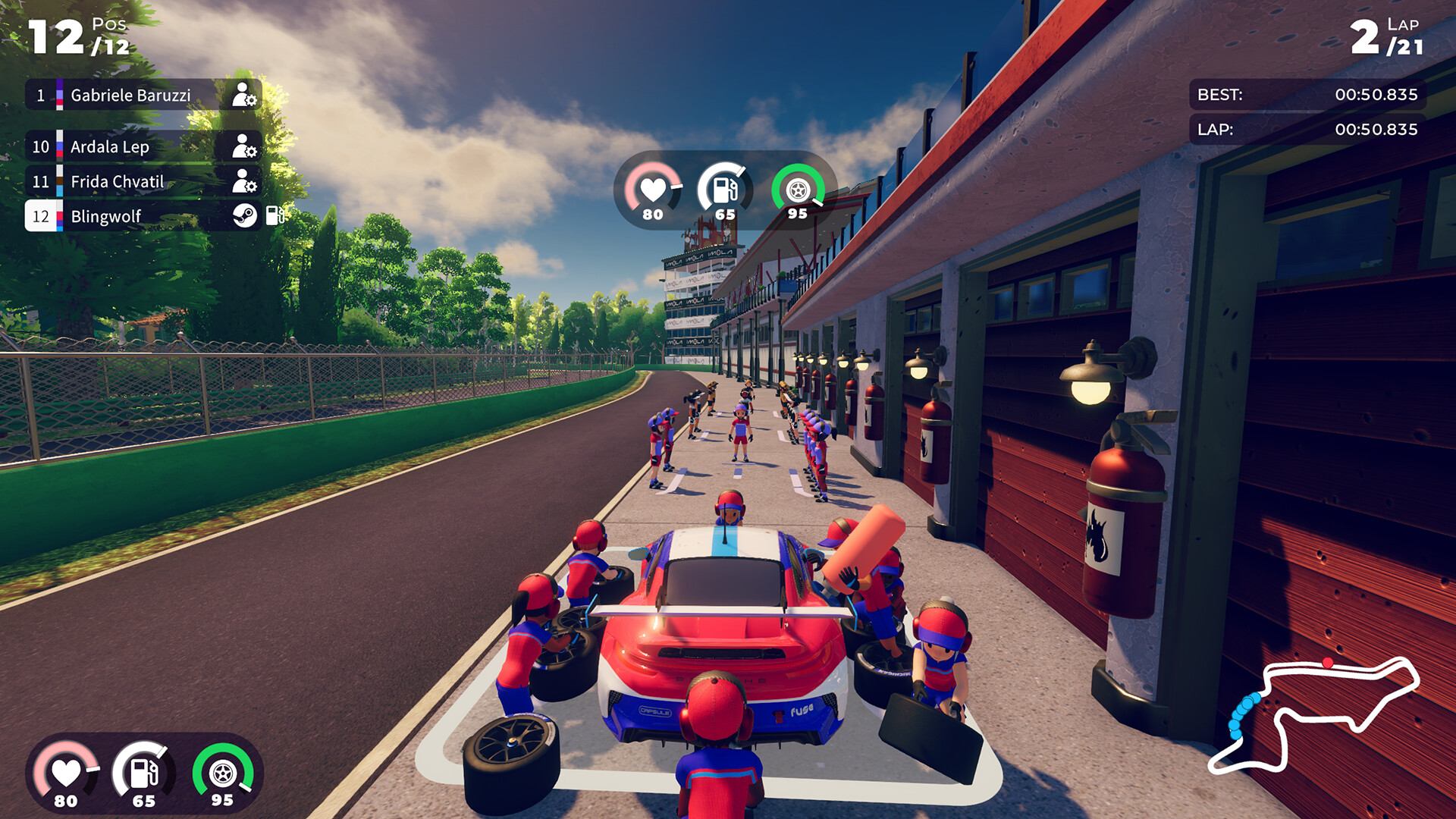
The brand-new racing title “iRacing Arcade” launched today. Developed by Original Fire Games in collaboration with iRacing, the game builds heavily on the foundations of Karting Superstars and Circuit Superstars,…
Want to start sim racing in 2026 but not sure what to buy first? Here’s a clear, beginner-friendly guide covering bundles, direct-drive wheelbases, pedals, cockpits, monitors vs VR, PC vs…
iRacing has released a substantial development update, outlining a wide range of new features, content additions, and system improvements. This marks one of the platform’s most significant updates to date,…
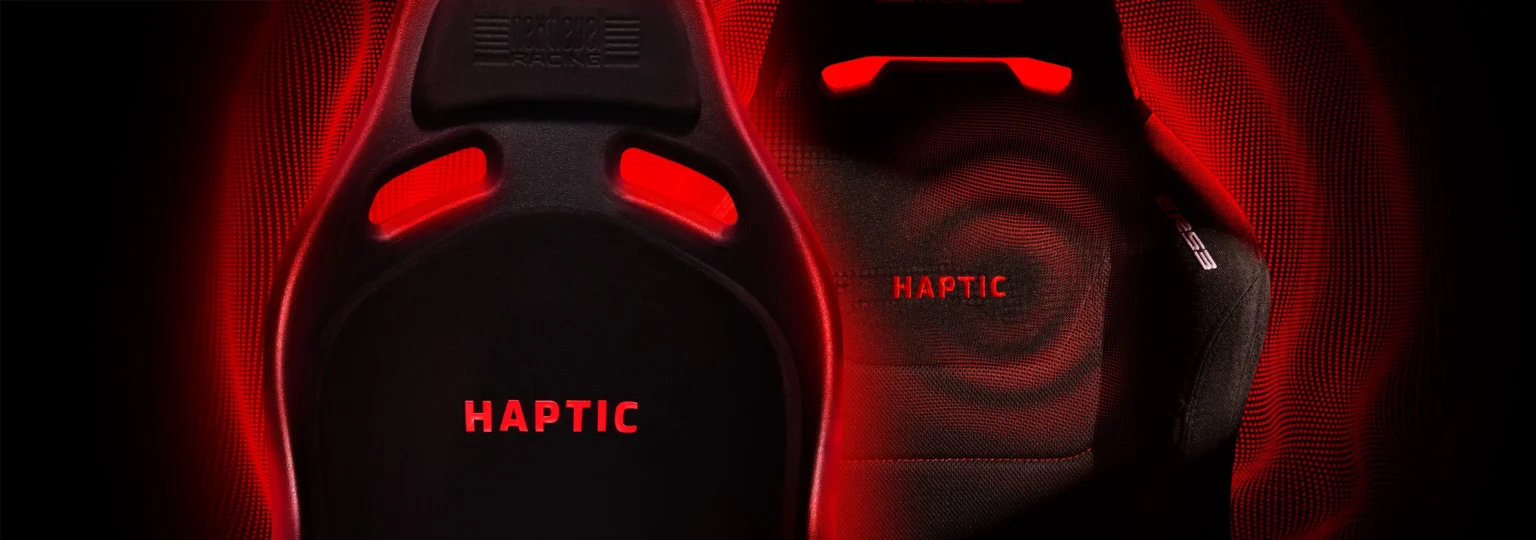
Next Level Racing has introduced two new sim racing seats featuring fully integrated haptic feedback, a first for NLR that has already generated significant discussion within the sim racing community.…
Moza and Simagic approach sim racing hardware very differently in 2026. From entry-level bundles to high-end direct drive ecosystems, here’s how they compare across price tiers and who each brand…
The Moza R3 is one of the most popular entry-level direct-drive bundles in 2026, but most people miss the details that actually matter. Here are three things you probably didn’t…
The campaign in Forza Horizon 6 introduces a fresh and immersive progression system. Unlike Forza Horizon 4 and Forza Horizon 5, players begin their journey in Japan as an unknown…