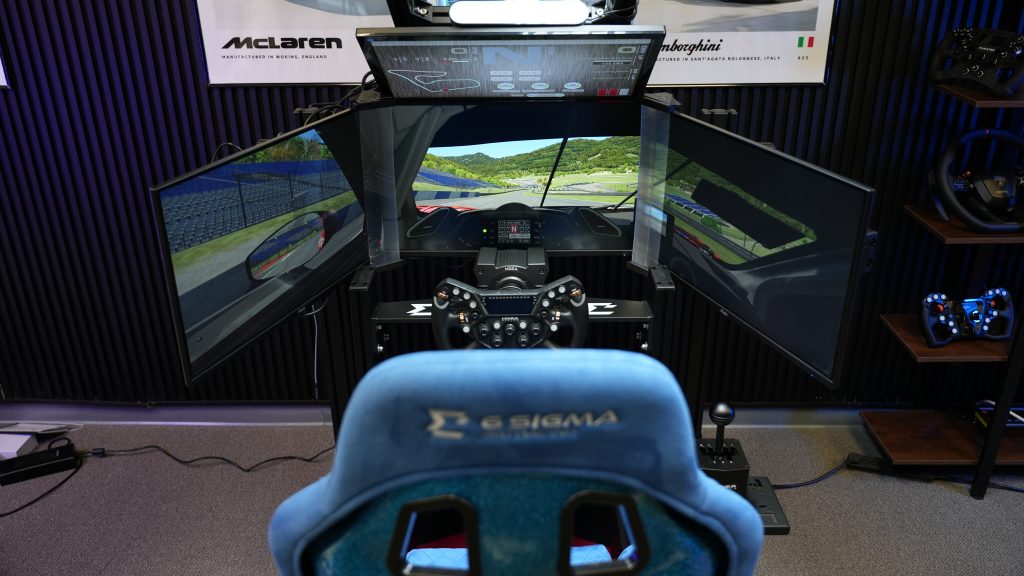
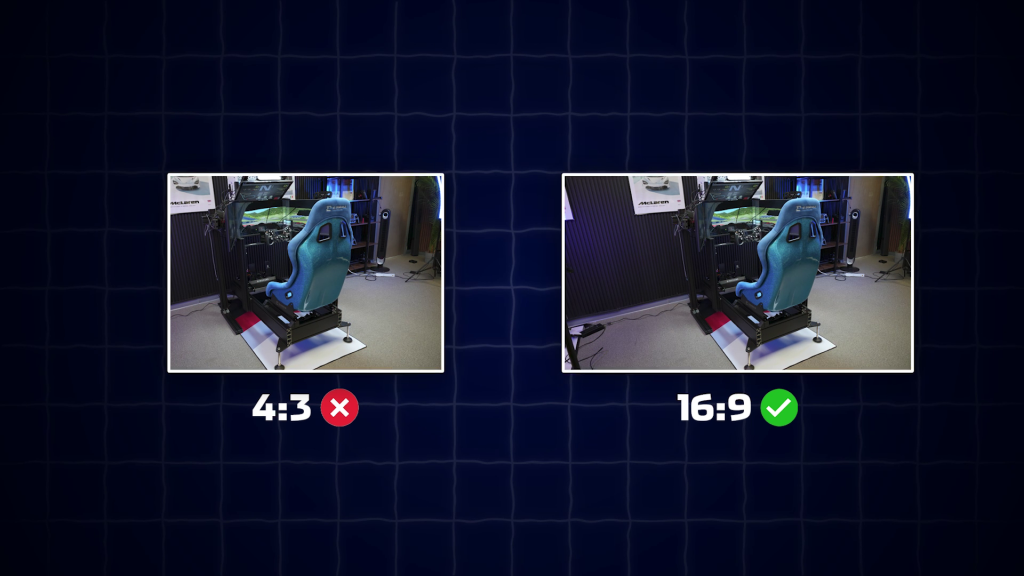
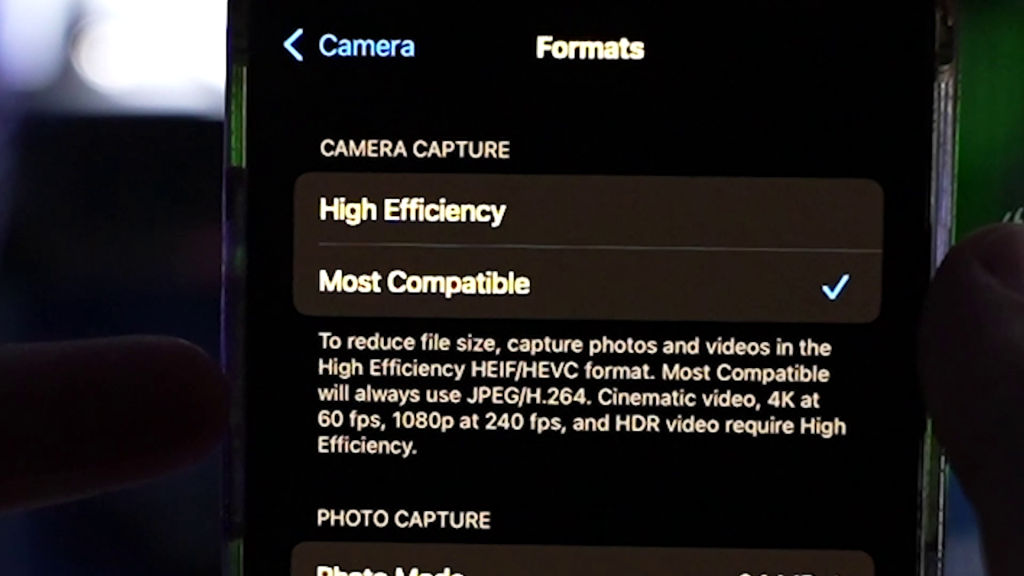
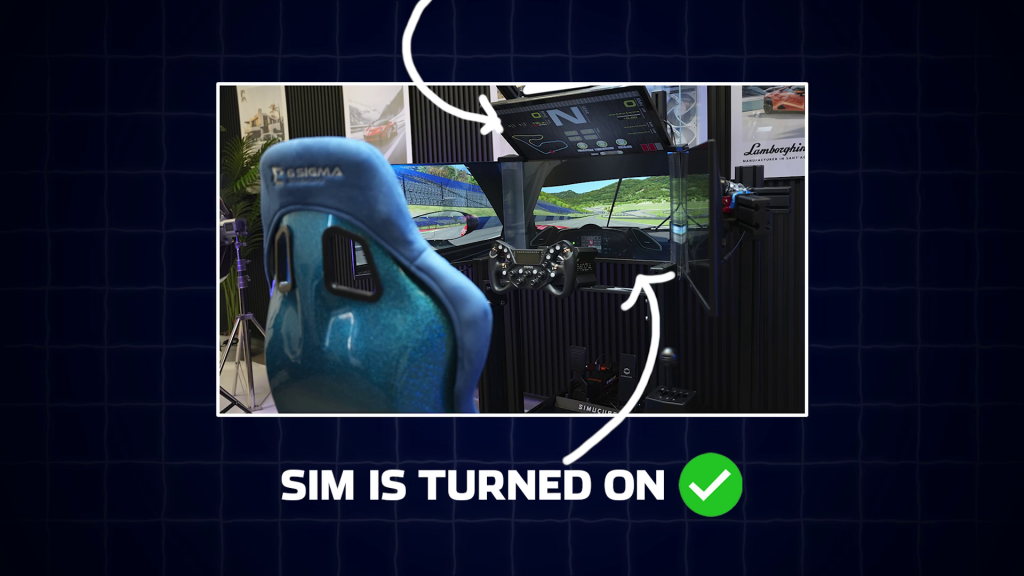
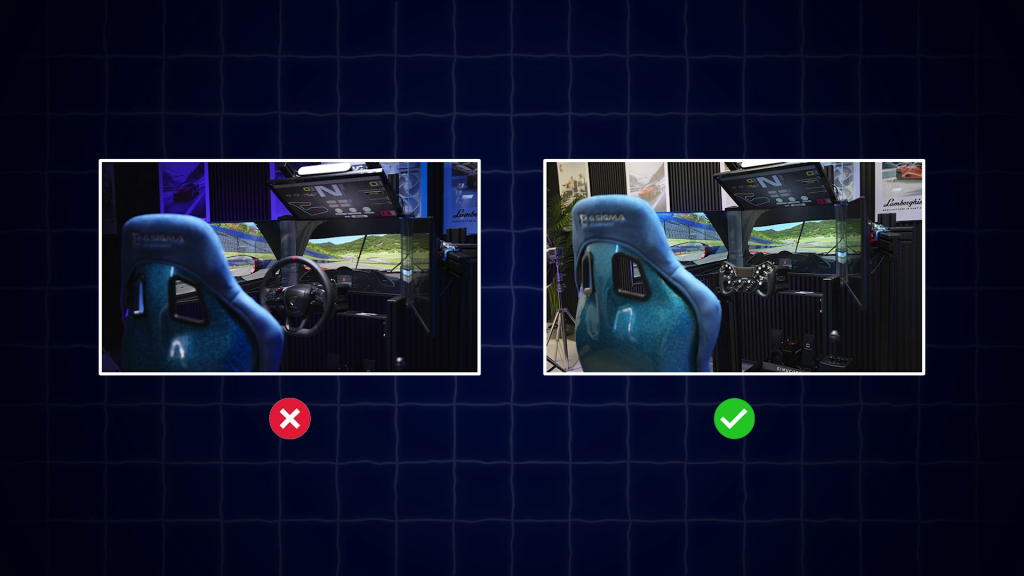
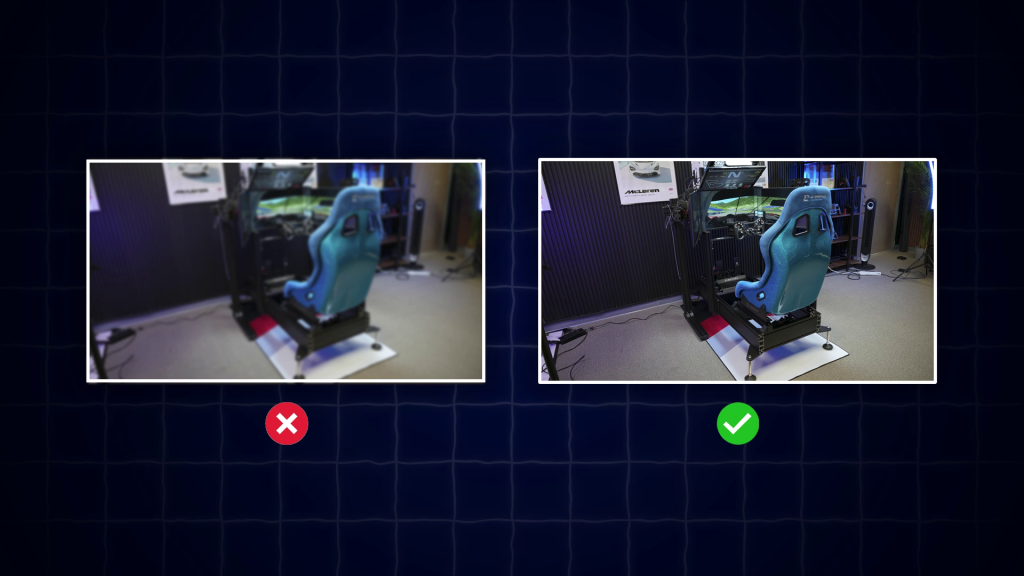
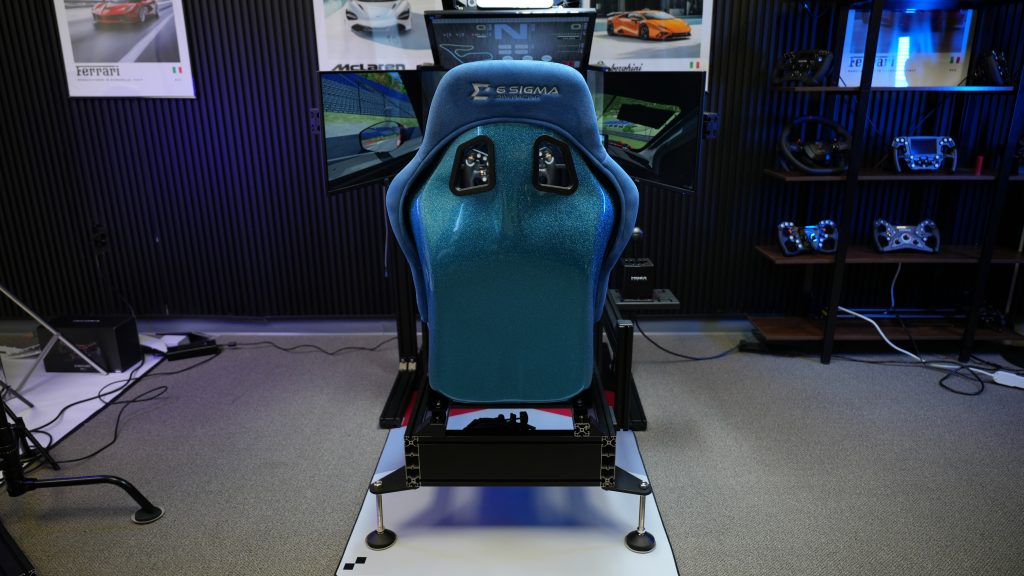
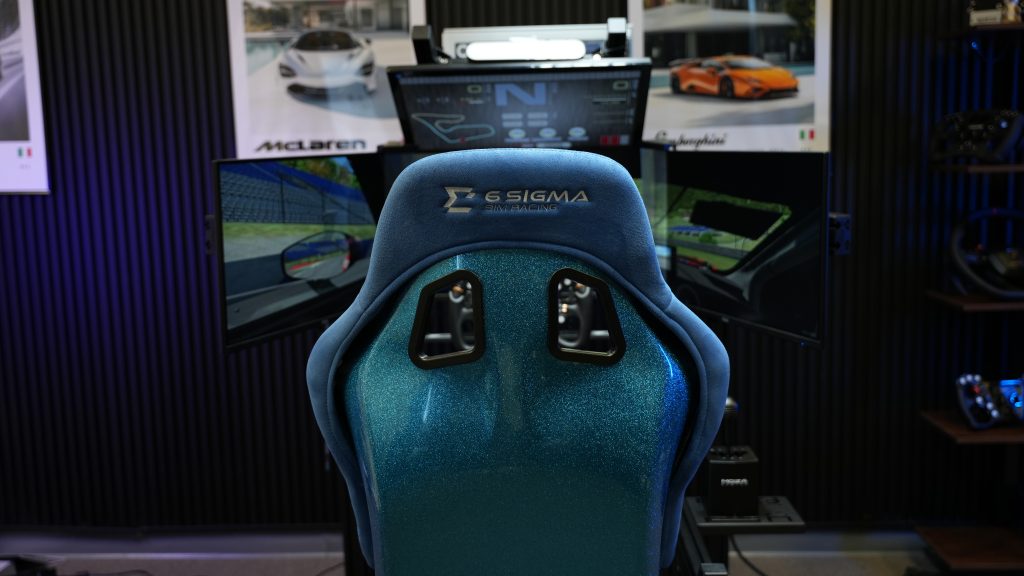
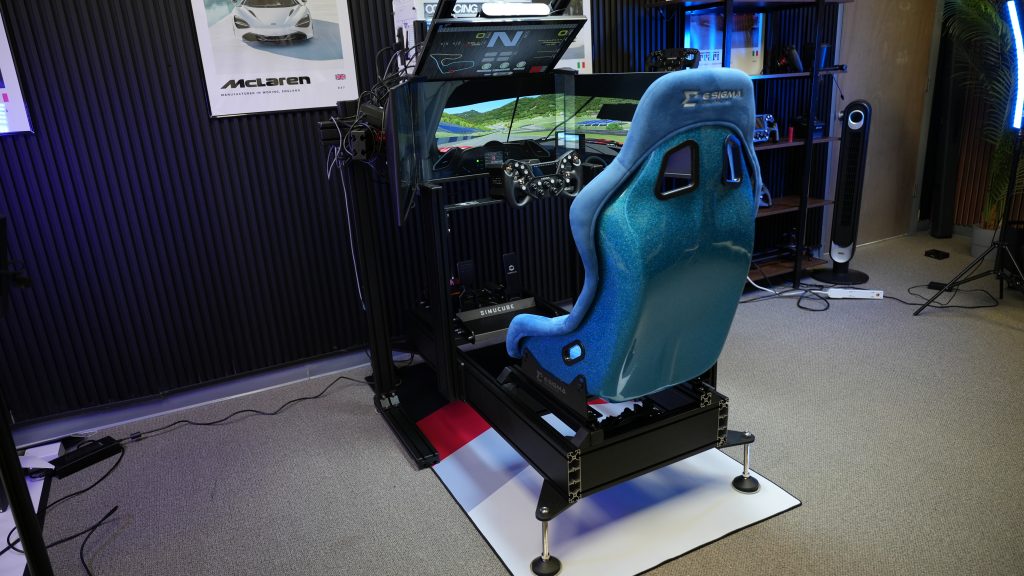
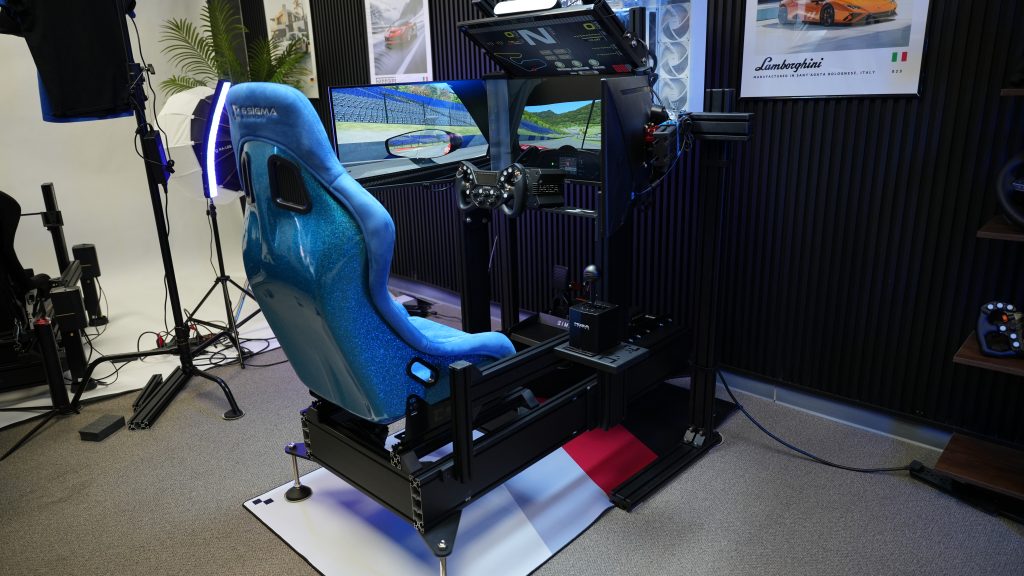
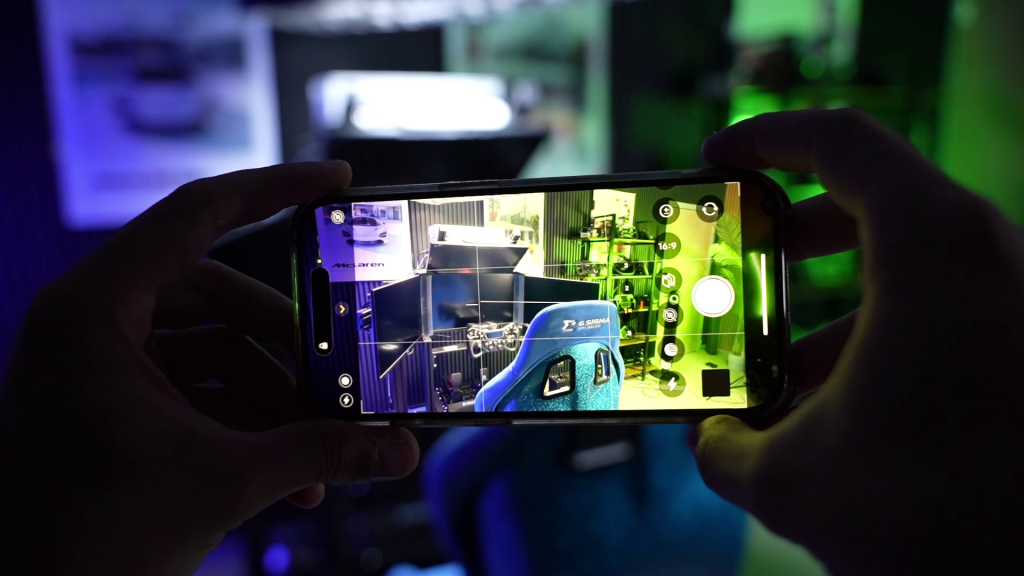
Want your sim racing setup featured in Sim Tour Project? Follow this guide carefully before sending your submission.
Do not worry if you have a beginner setup or a high-end rig. The goal of this series is to showcase the variety of sim racing setups in the community, not just the most expensive ones.
Following these instructions properly will give your setup the best chance of being featured.
First Name: Age: Gender: Country: Occupation: Total Time to Complete Setup: Estimated Setup Cost: Games Played on Setup: What you hope to upgrade next: Social Media Account for shoutout (optional):
•Other Sim Racing Gear Motion Platform: Wind Simulator: Button Box: Flag Indicator: Lap Timer:
•PC Specs GPU: CPU: RAM: MOTHERBOARD: PSU: FANS:
Additional Comments:
Fill out as much information as you are comfortable sharing.
If something does not apply to you, simply delete it.
Do not include links. Only provide product names.
Final Notes
While every proper submission will be considered, being featured cannot be guaranteed.
Depending on the number of submissions, wait times may range from a week to several months.
Submissions that do not follow the guidelines may unfortunately be skipped.
Most importantly, do not feel discouraged if you have a simple setup. Whether you race with a basic wheel and a chair or a multi-thousand dollar rig, everyone has the same opportunity.
The purpose of Sim Tour Project is to showcase the amazing variety of setups within the sim racing community.
Kunos Simulazioni has shared a detailed look at the future of Assetto Corsa EVO, outlining changes to the game's development direction and revealing more information about its long-awaited Free Roam…
Conspit CHS · $369 Conspit sent this product to me for review. Conspit has entered the shifter market with the CHS, a dual-mode shifter that combines a 7-gear H-pattern with…
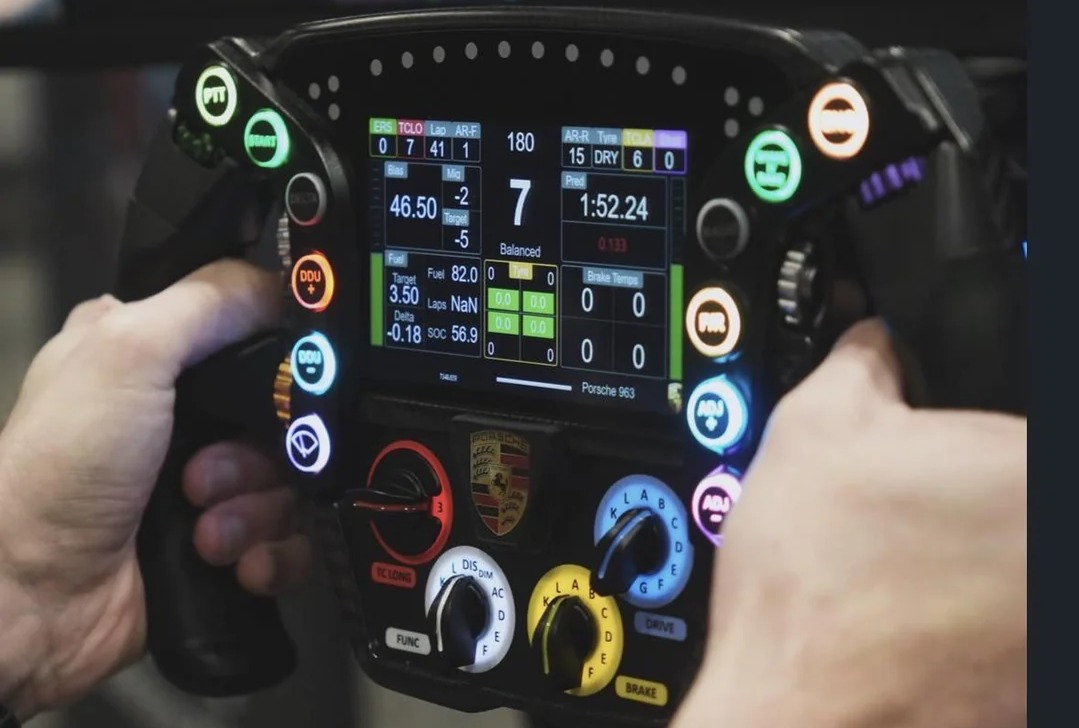
After making its public debut in Chicago, Sim-Lab is bringing its upcoming Porsche 963 replica steering wheel to SimRacing Expo Frankfurt for another major showcase.
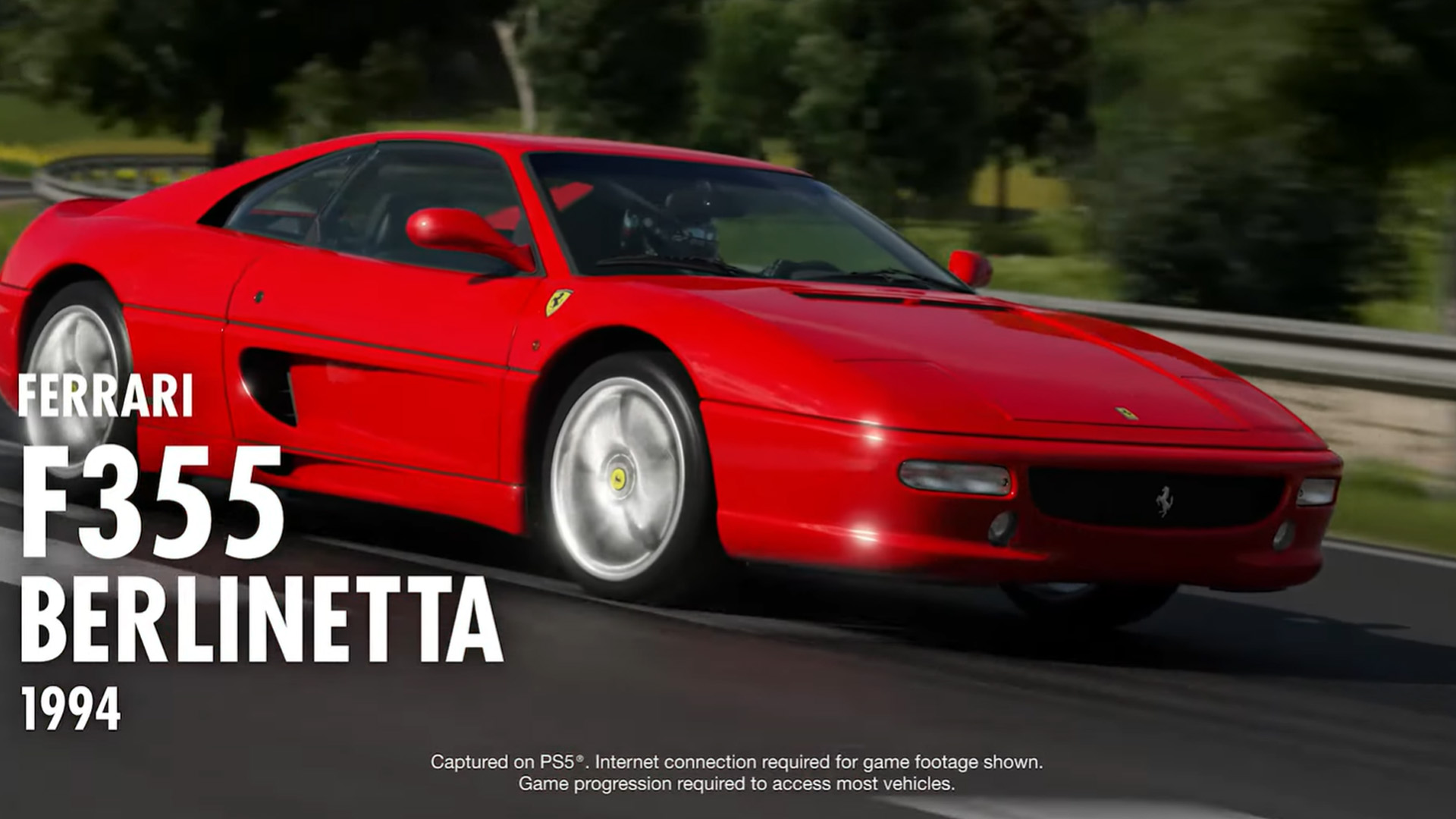
Gran Turismo 7 Spec IV Part 1 arrives October 15 with Sportsland SUGO, six new cars including the Ferrari F355, new Brand Central challenges, Car Concierge, Car Viewer and more.
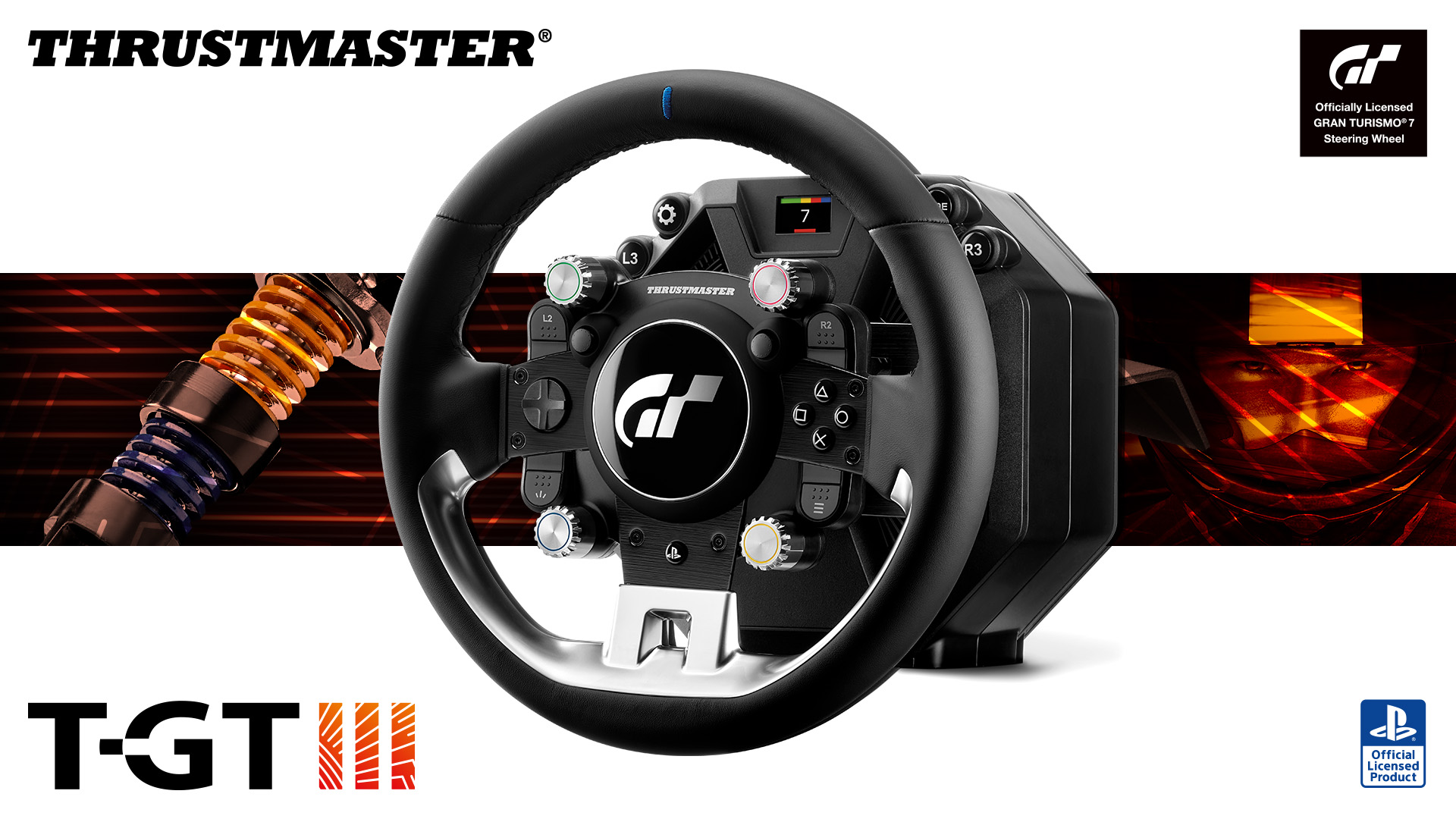
The new Thrustmaster T-GT III brings Direct Axial Drive, 5 Nm of constant torque, load cell pedals, and dedicated Gran Turismo 7 haptics to PS5 and PS4.
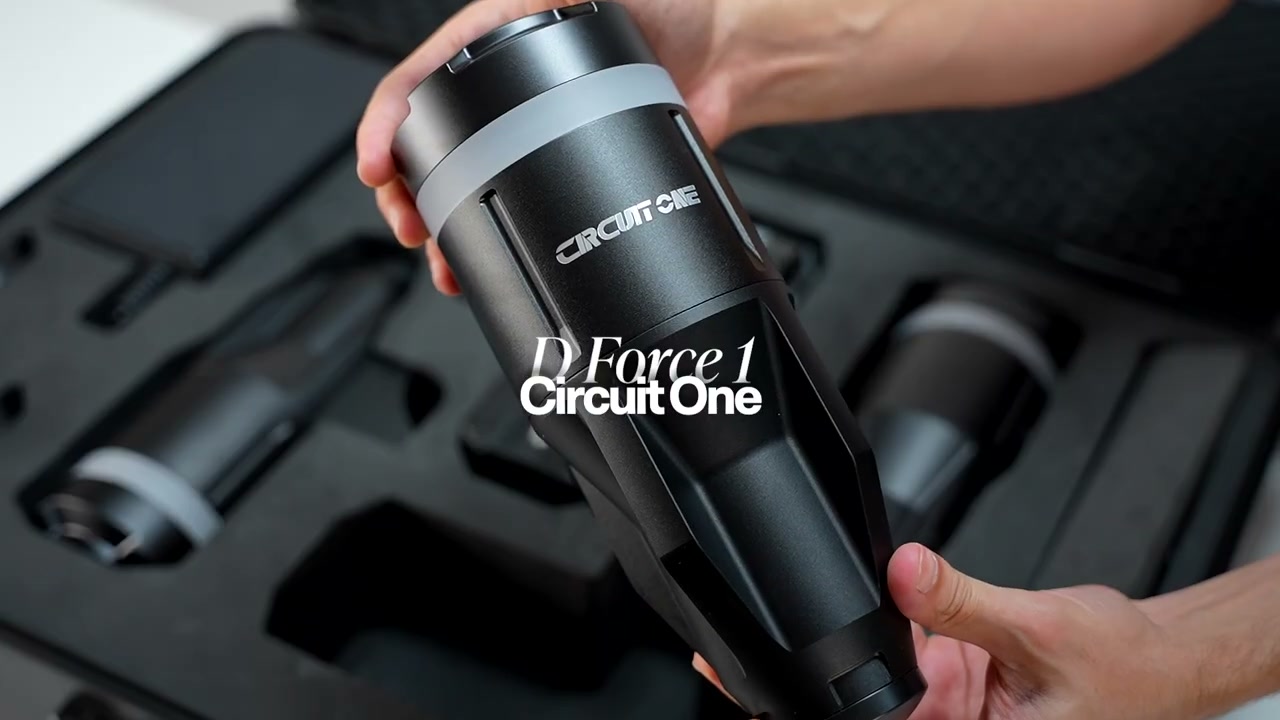
The Circuit One D Force 1 packs four motion actuators into a suitcase, installs in about 10 minutes, and trades big travel for detail you can actually use.
Assetto Corsa EVO Update 0.9 introduced a major overhaul to the game's GT tyre model, changing how cars behave around the limit across a wide range of GT machinery.
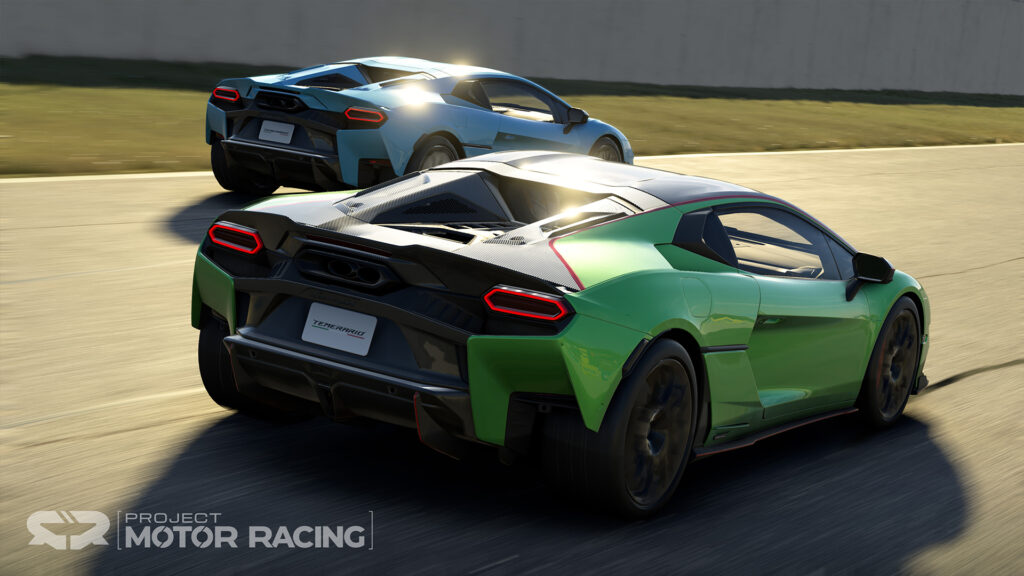
Project Motor Racing has received its Version 2.3 update, bringing the Lamborghini Temerario to the simulator alongside a new vehicle class, physics revisions, visual improvements and a series of changes…