Welcome to the OC Racing Minecraft Server. This guide covers the main things you need to know before getting started, including how to join, which mods are recommended, how the economy works, how to make shops, how claims work, and the main commands and rules worth remembering.
Getting Started
How to Join
To join the server, launch Minecraft 1.26.2 and connect using ocracing.minecraftserver.nl.
Make sure you are in the discord server linked below.
When you enter the server, a code will appear on screen. Copy that code and send a direct message to the OC Racing SMP Discord Bot containing only the code. After that, reconnect to the server and you should be ready to play.
You can join the server with no mods at all, but a couple are strongly recommended.
Distant Horizons improves long-distance rendering and lets you see much farther without a major performance hit. Simple Voice Chat adds proximity chat so you can speak with nearby players. If you want to make that even better, pairing it with Sound Physics Remastered adds effects like cave reverb to voices.
BlueMap
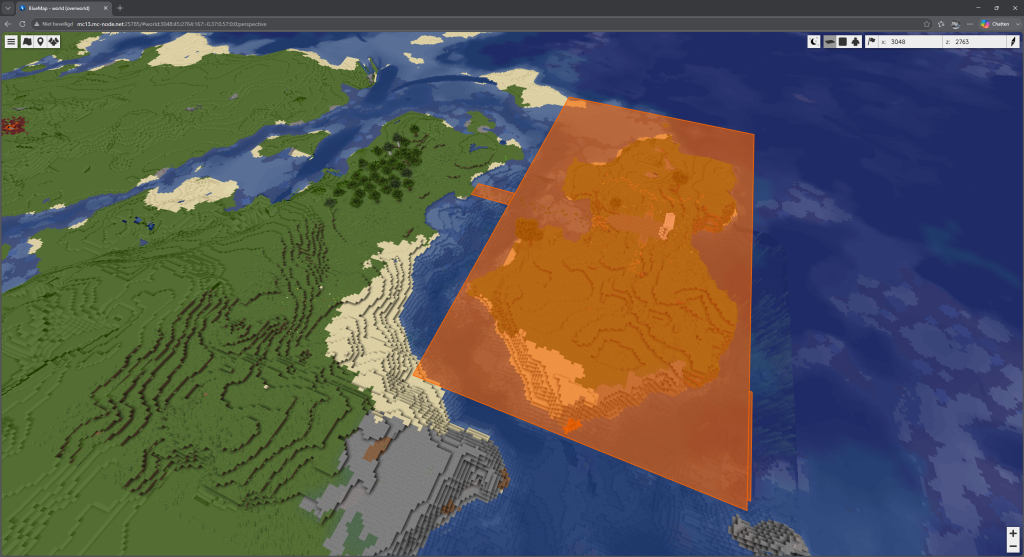
The server includes BlueMap, which allows you to view the world in either 2D or 3D from your browser. This is useful for finding player shops, checking claims, scouting locations, or simply getting a better overview of the world.
The rules are simple and are mainly there to keep the server fun and usable for everyone.
Be respectful to other players. No slurs or offensive language.
Do not grief or steal.
Do not cheat, use hacked clients, or abuse game mechanics.
Do not spam chat.
Do not build anything obscene or NSFW.
Dirt huts are discouraged
Economy
The server economy is based on OC☈, with a value of 1000 OC☈ = 1 diamond.
How to Earn Money
Sell valuable items with /sell.
Check item values with /worth.
Sell items to other players through QuickShops.
Use the Auction House with /ah sell <price>.
Complete Construction Zone tasks at spawn.
Participate in special server events.
How to Spend Money
Buy items from player shops.
Use the Auction House.
Buy claim blocks for 200 OC☈ each.
Send money to other players with /pay.
Player Shops
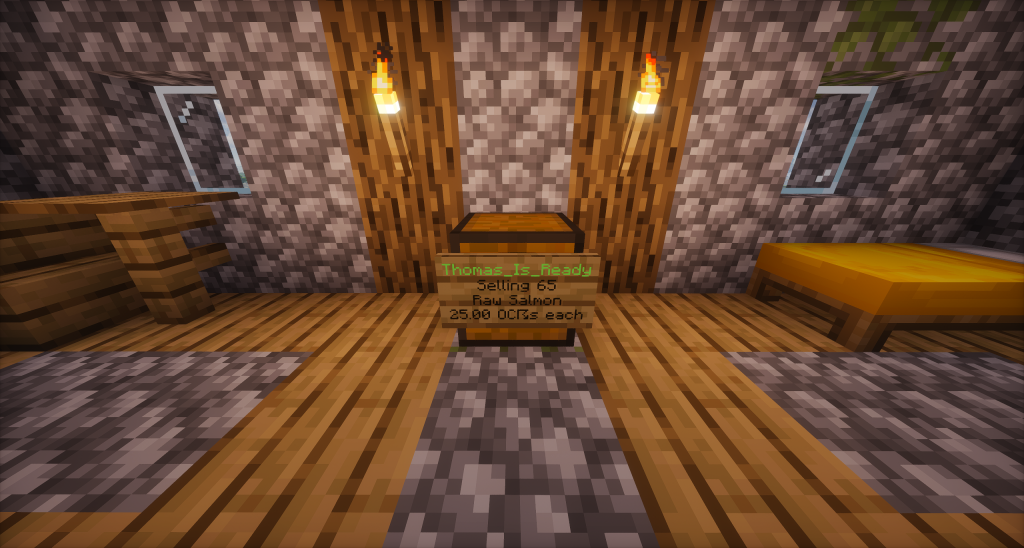
Creating a player shop is simple.
Place down a chest.
Look at the chest while holding the item you want to sell.
Use /qs create <price>.
Fill the chest with stock.
The OC Racing SMP Bot will send a Discord notification whenever somebody buys from your shop or when your stock runs out. Player shops are also visible on BlueMap. You can change shop settings by right-clicking on shops you own.
Shops are protected automatically. Placing them inside a standard claim will mean players cant open your shops, but it is safe to place them outside your claims, or change the setting of that specific claim. You can also add staff to your shop, who can restock the shop and will get a percentage of the revenue.
Claims
Claims protect your land and builds. Claim blocks can be bought for 200 OC☈ each using /buyclaim or /buyclaimblocks. You get 25 blocks per hour played, completely for free.
At the moment, claim blocks cannot be sold back, so it is worth planning ahead before spending too much. Your claims are visible on BlueMap, which makes it easier to manage space and avoid overlapping with other players.
Warps, Homes, and Teleporting
The server includes several useful movement commands.
/warp <name> teleports you to an admin-set warp.
/tpa <player> sends a teleport request to another player.
/sethome <name> creates a home point.
/home <name> teleports you back to one of your saved homes.
These commands make it much easier to move between spawn, shops, and your own base once you are established on the server.
Final Notes
The OC Racing Minecraft Server is more than a basic survival world. Between the economy, shops, claims, BlueMap, bot notifications, and server events, there is enough here to keep things active long after the first few hours.
If you are joining for the first time, the best place to start is simple. Get connected, claim your space early, learn the shop system, and make use of BlueMap. That will save you a lot of time later.
Kunos Simulazioni has shared a detailed look at the future of Assetto Corsa EVO, outlining changes to the game's development direction and revealing more information about its long-awaited Free Roam…
Conspit CHS · $369 Conspit sent this product to me for review. Conspit has entered the shifter market with the CHS, a dual-mode shifter that combines a 7-gear H-pattern with…
After making its public debut in Chicago, Sim-Lab is bringing its upcoming Porsche 963 replica steering wheel to SimRacing Expo Frankfurt for another major showcase.
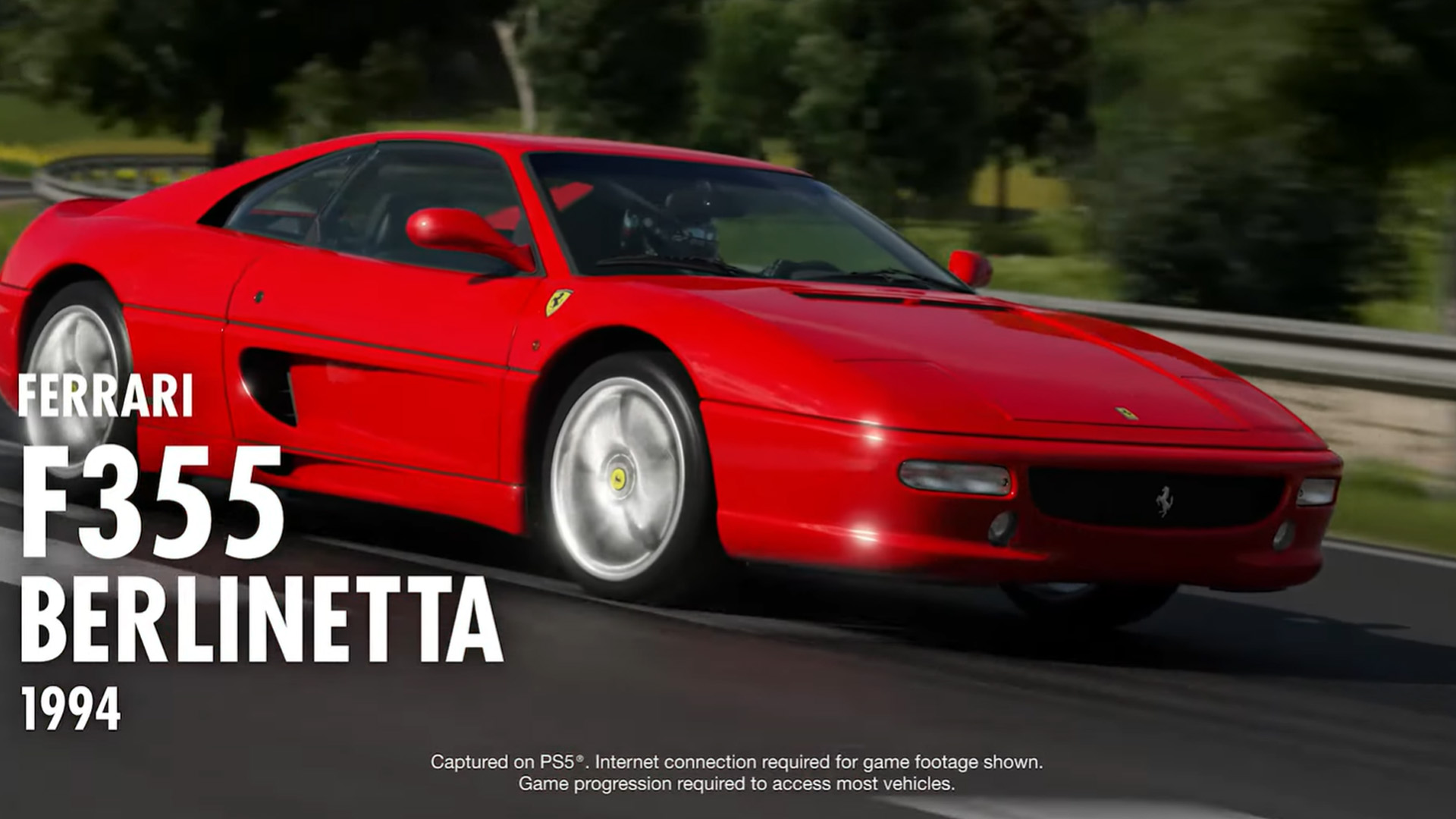
Gran Turismo 7 Spec IV Part 1 arrives October 15 with Sportsland SUGO, six new cars including the Ferrari F355, new Brand Central challenges, Car Concierge, Car Viewer and more.
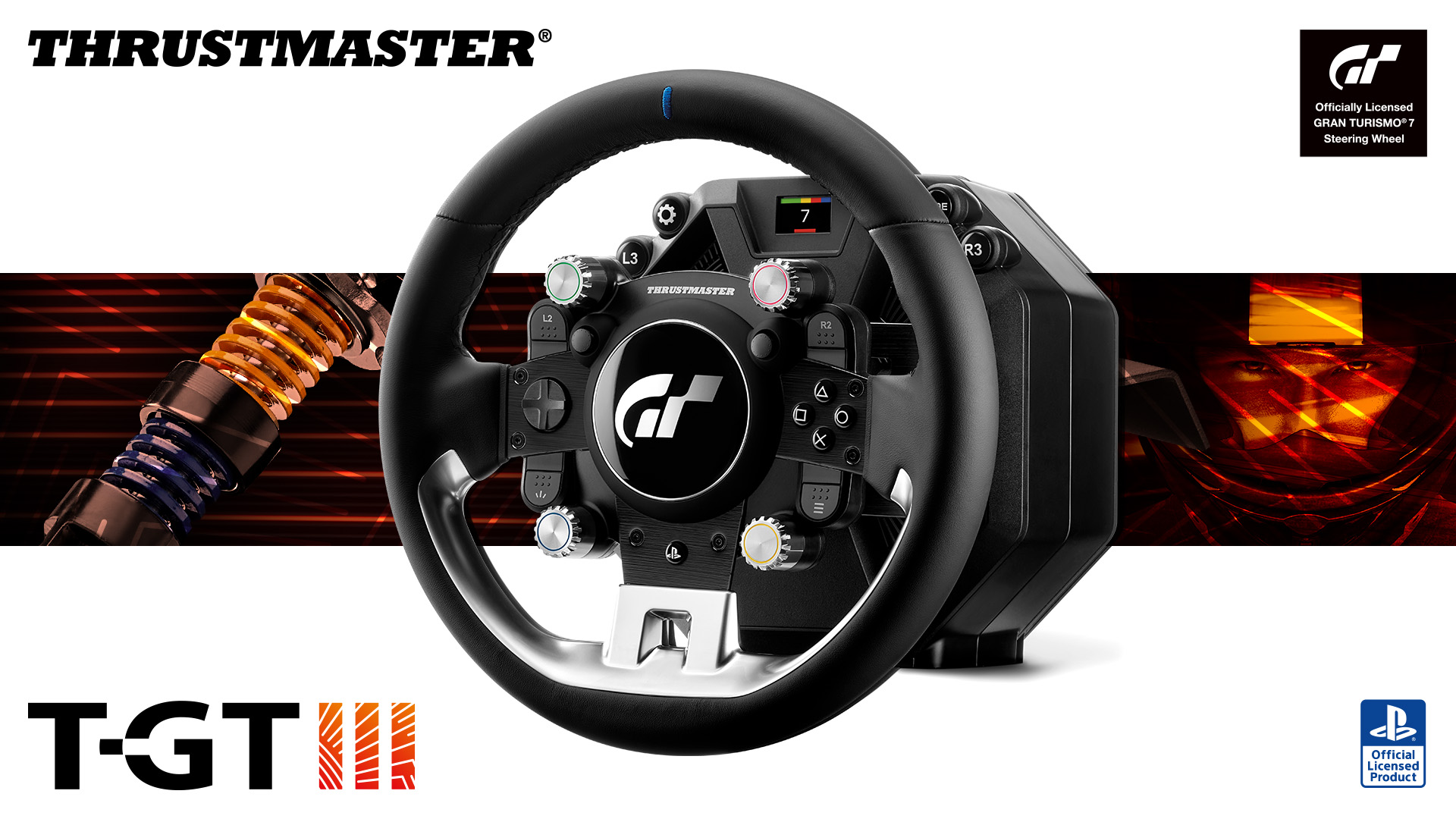
The new Thrustmaster T-GT III brings Direct Axial Drive, 5 Nm of constant torque, load cell pedals, and dedicated Gran Turismo 7 haptics to PS5 and PS4.
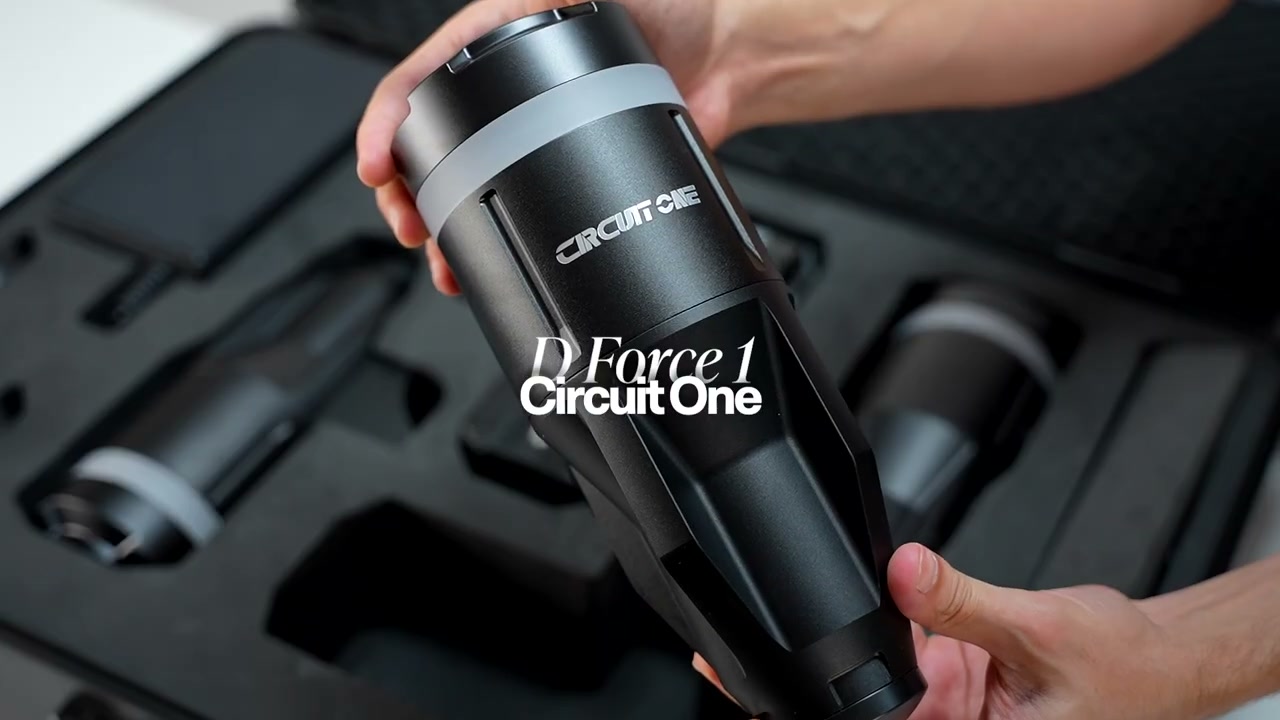
The Circuit One D Force 1 packs four motion actuators into a suitcase, installs in about 10 minutes, and trades big travel for detail you can actually use.
Assetto Corsa EVO Update 0.9 introduced a major overhaul to the game's GT tyre model, changing how cars behave around the limit across a wide range of GT machinery.
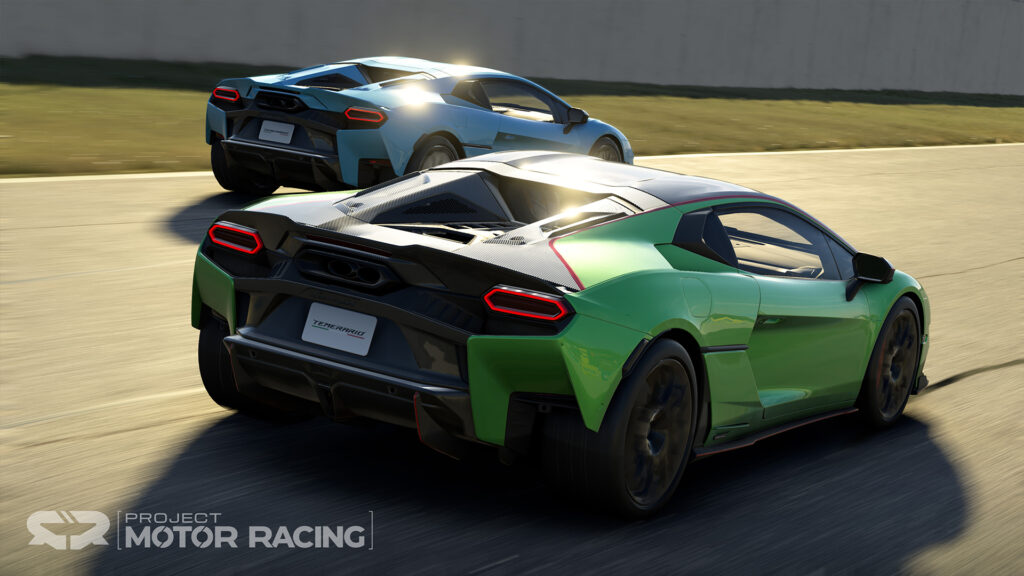
Project Motor Racing has received its Version 2.3 update, bringing the Lamborghini Temerario to the simulator alongside a new vehicle class, physics revisions, visual improvements and a series of changes…